
The Habitual Watcher
User Age (40 - 60)Turns the TV on expecting news to just play. Doesn't want to search, browse, or decide. Gets frustrated when she has to.
"I just want to watch the news. Why do I have to pick something first?"

Mediacorp • Media & Entertainment • APPLE TV
Redesigning CNA News for Apple TV — bringing Singapore's leading news broadcaster to the couch without losing what makes it CNA.
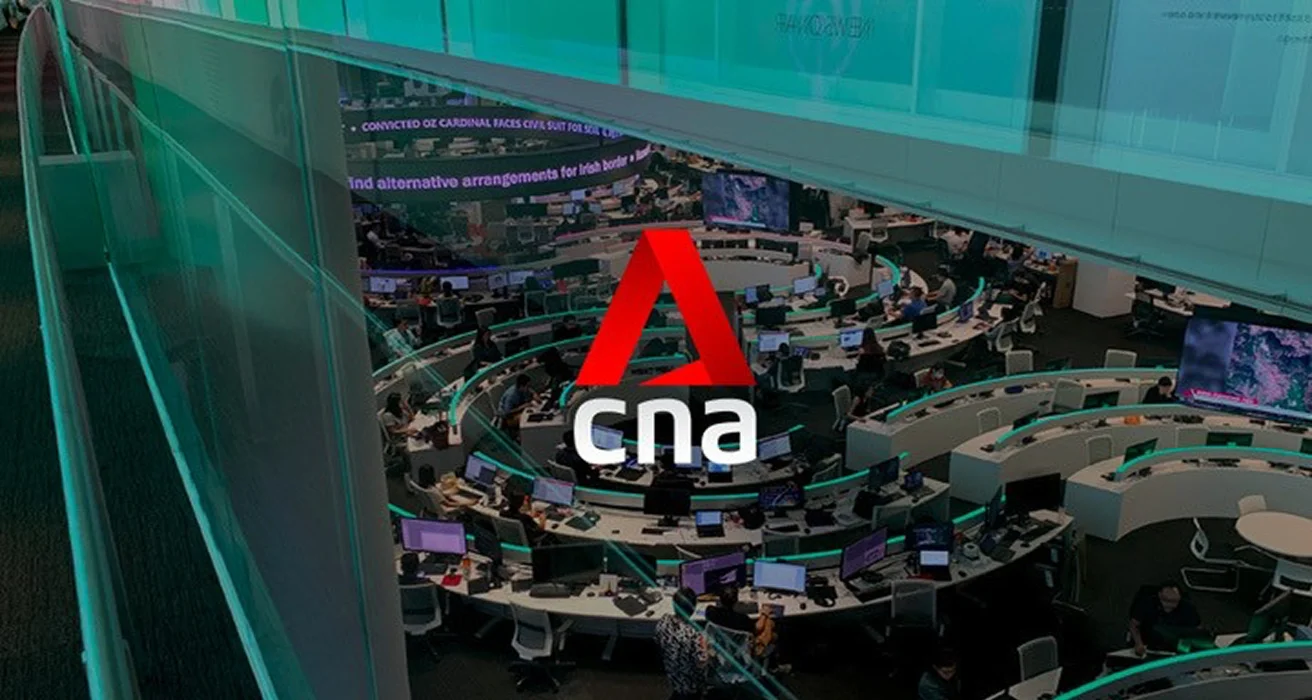
Most news apps on TV fail one of two ways — too cluttered to navigate, or too thin to feel credible. CNA had to do both jobs at once, through four arrow keys and a click.
The Setup001
CNA is Singapore's most-followed news brand. But news consumption has moved to the biggest screen in the house - and the existing CNA TV experience hadn't moved with it.
The Apple TV adaptation was the first move. It would set the design standard for the Android TV and Roku rollouts that followed.
The task wasn't porting the app. It was rethinking the entire experience for a remote-first, lean-back context - then scaling it across 3 platforms.
47%
most-used online news in Singapore
Reuters Institute, Digital News Report 2025
65.6%
of Singapore internet users now stream SVOD
GWI, via IAB SEA
47.5%
of all TV viewing is now streaming in SINGAPORE
Nielsen, The Gauge - Dec 2025

My approach: competitor teardown across 4 major TV news apps, remote-first interaction audit, and iterative usability testing with the actual d-pad hardware - not a mouse simulation.
The Problem002
Turns the TV on expecting news to just play. Doesn't want to search, browse, or decide. Gets frustrated when she has to.
"I just want to watch the news. Why do I have to pick something first?"

Returns for a specific programme she missed. Finds content buried under generic categories. Gives up and switches apps.
"I know the show exists. I just can't find it from here."
3.4/5
App Store rating
Recurring complaints: Confusing navigation, playback issues, & difficulty finding Singapore-specific content.
Google Play / App Store listing
≈ ½
the session length of leading TV
Viewers tuned in, then tuned out - engagement ran well below competing news apps.
Project benchmarking
No. 1
no platform leads the living room
The connected-TV landscape is fragmented and varies by region - one design had to flex across all of it.
Pixalate CTV Report, Q3 2025
Reframed as user problems
How might we …
help users land on live content immediately - without even searching?
How might we …
make browsing feel natural on a remote, not borrowed from mobile?
How might we …
make finding a specific programme effortless - without forcing a keyboard?
How might we …
build one design system that feels native across three platforms?
Four separate complaints was one pattern: viewers were doing work the platform should be doing for them. It collapse that into a single design principle - Reduce effort at every turn, and let the rest follow from it.
The Approach003
We weren't looking for visual cues to borrow. We were looking for solved problems - and mapping each pattern to a decision we'd have to make.
| Pattern observed | Where | What we took from it |
|---|---|---|
| Land on Live TV immediately | All news apps | Auto-play live on launch. Full-screen after 10–15s inactivity. |
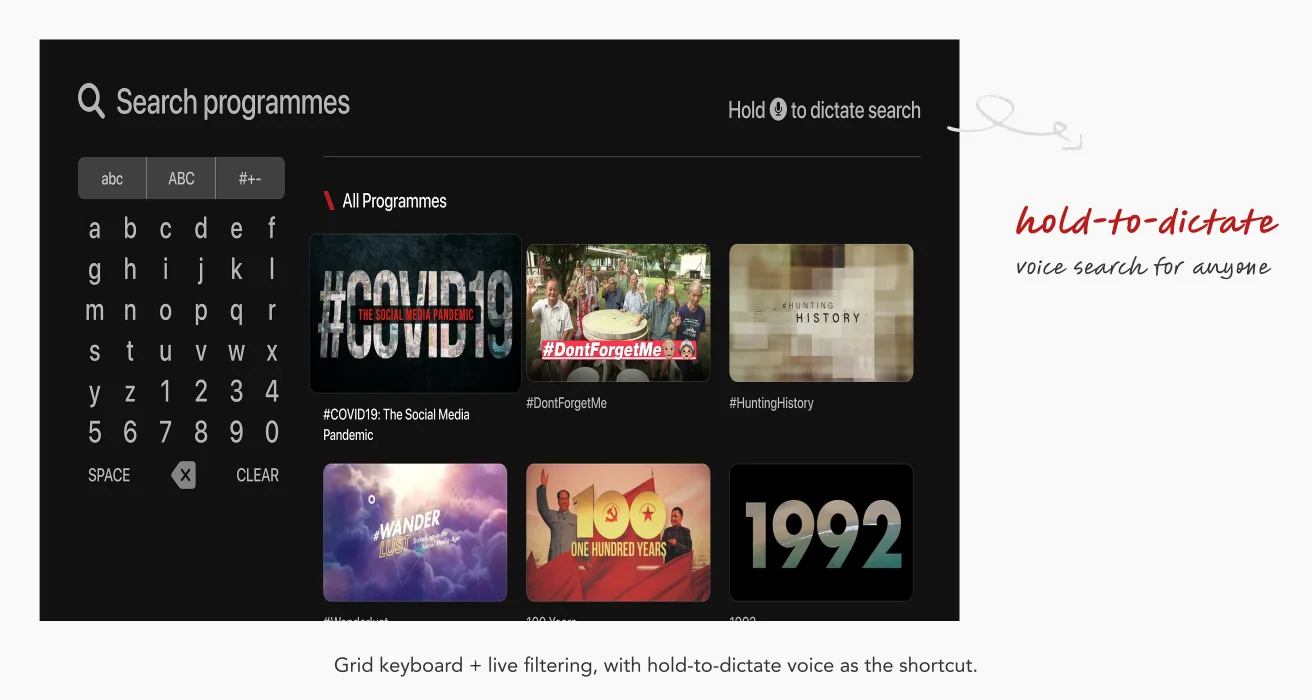
| Grid keyboard + voice search | Netflix, YouTube, tvOS | Live-filtering grid keyboard with hold-to-dictate. |
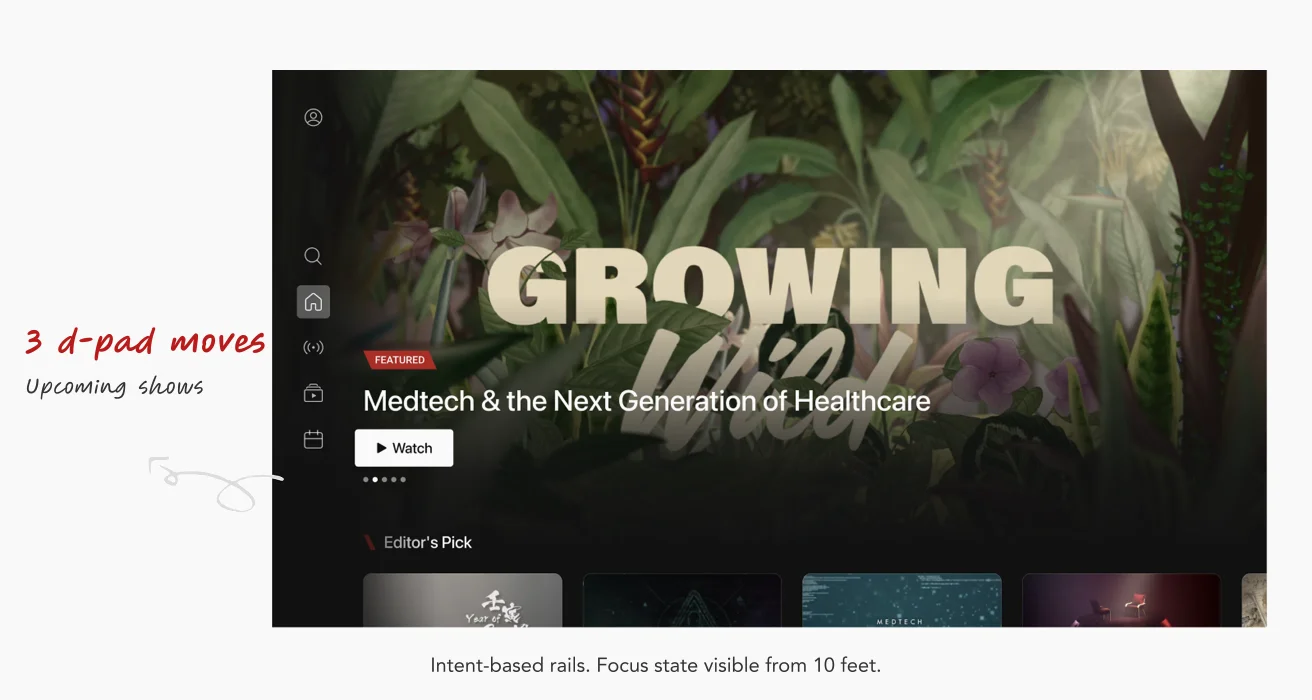
| Top nav over spatial rails | Haystack, Prime Video, Netflix, tvOS apps | Flat layout, predictable focus order, no dead-ends. |
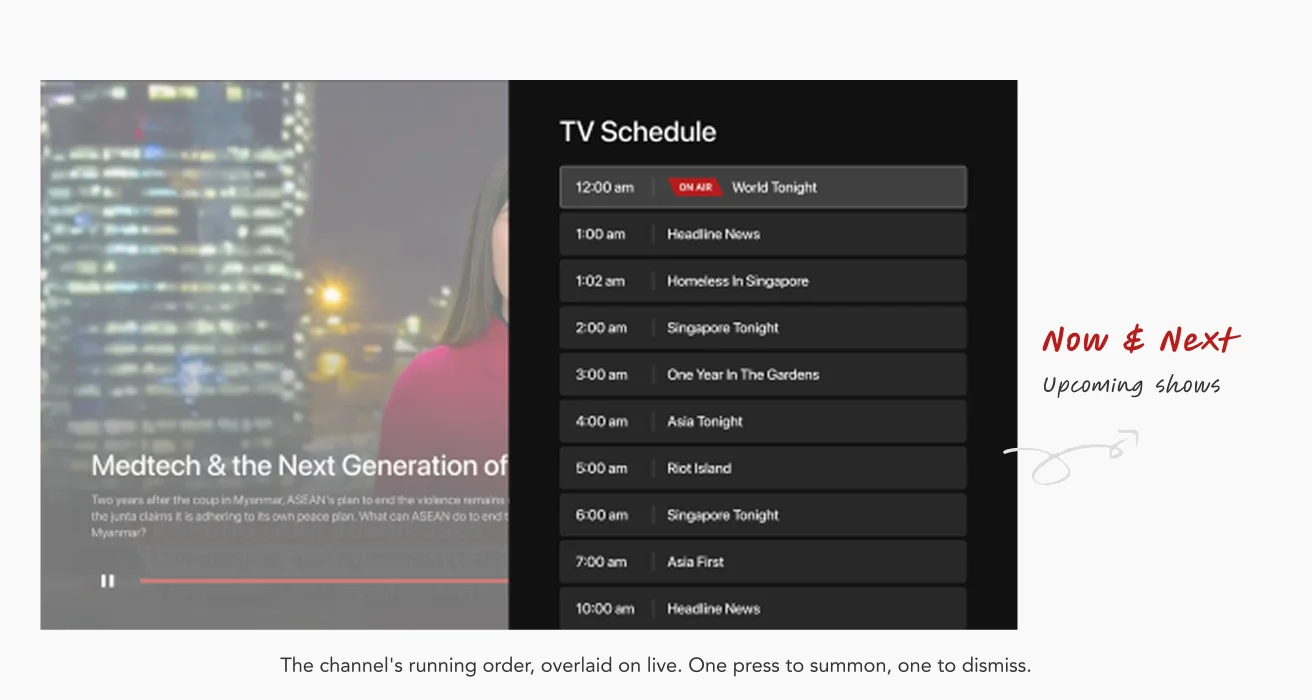
| Channel guide overlaid on live | Linear TV, YouTube TV | A ‘Now & Next’ schedule summoned over the feed. |
| TopShelf integration | Apple TV native | Live + curated editorial. Premium real estate for a news brand. |
Research, Competitors and Use cases
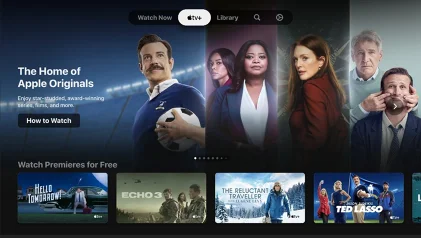
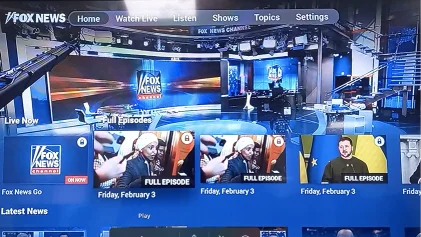
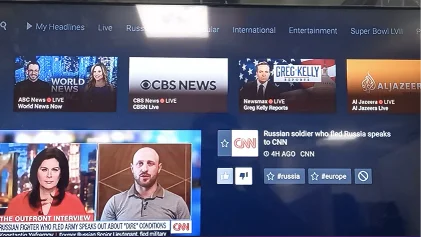
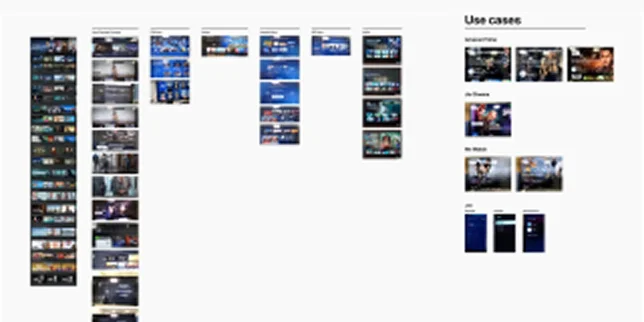
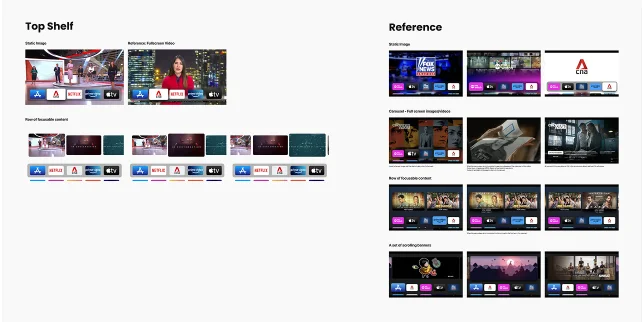
Every interaction must work with a d-pad and a select. If it needs a swipe, it's wrong.
Live TV is the entry point - not buried content, else is discovered around it.
Leverage Apple TV behaviours. One system, platform-specific interactions.
The Process004
Concept review
Walked the flat-navigation model and auto-play concept past the product team before any pixels shipped.
Moderated usability
Habitual watchers and catch-up viewers navigated the on-device prototype, Siri Remote in hand, thinking aloud.
Focus & legibility pass
Every focus state and type size checked from a real ten-foot seat — not a desktop monitor.
Search validation
Timed how many key-presses it took to find a named programme, comparing grid-keyboard vs. voice.
Cross-platform review
Checked the system held up on Android TV and Roku hardware before handing off for build.
The Solution005
What follows are the four decisions that defined the experience. Mockups are concept frames built for this case study - they communicate the pattern, not CNA's shipped UI.
Our style guide was thoughtfully created to uphold a unified visual identity. We embraced a clean and modern design, emphasizing user-friendly elements.
SF Pro
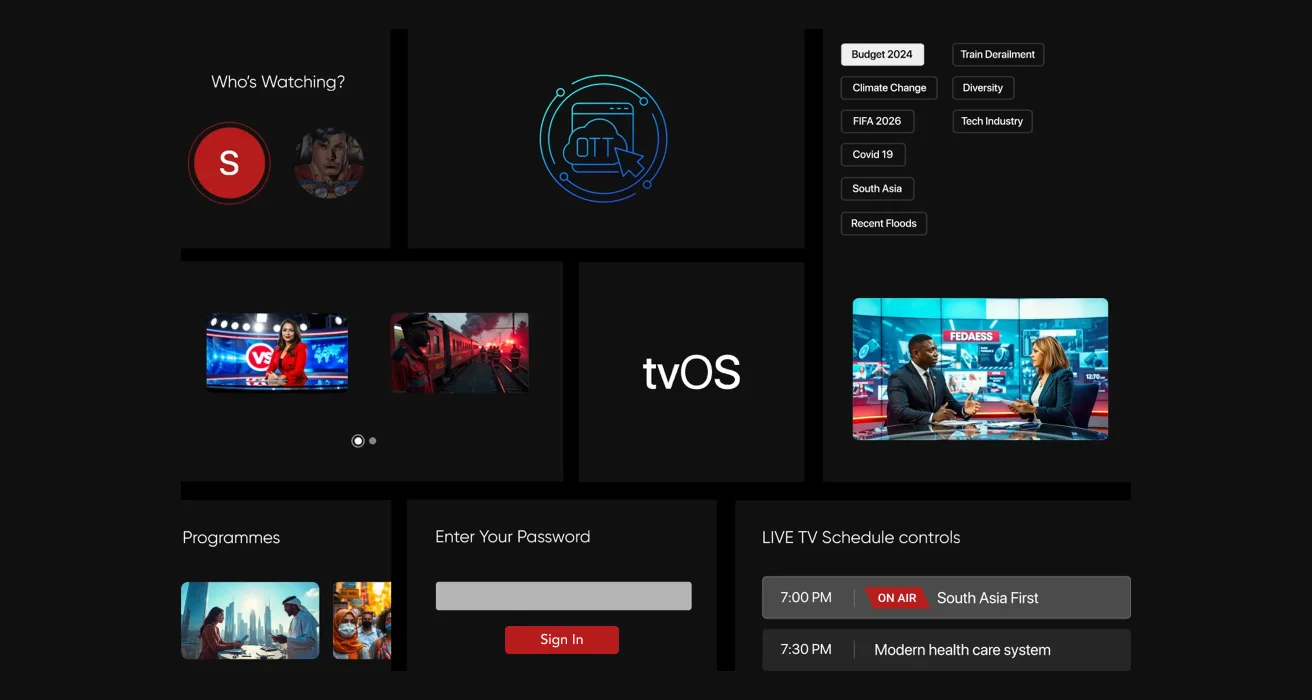
Decision 01 · Home Screen
Live TV auto-plays on launch, with a collapsible rail beneath it. After 10–15s of inactivity the feed goes full screen — matching how viewers already expect a television to behave.
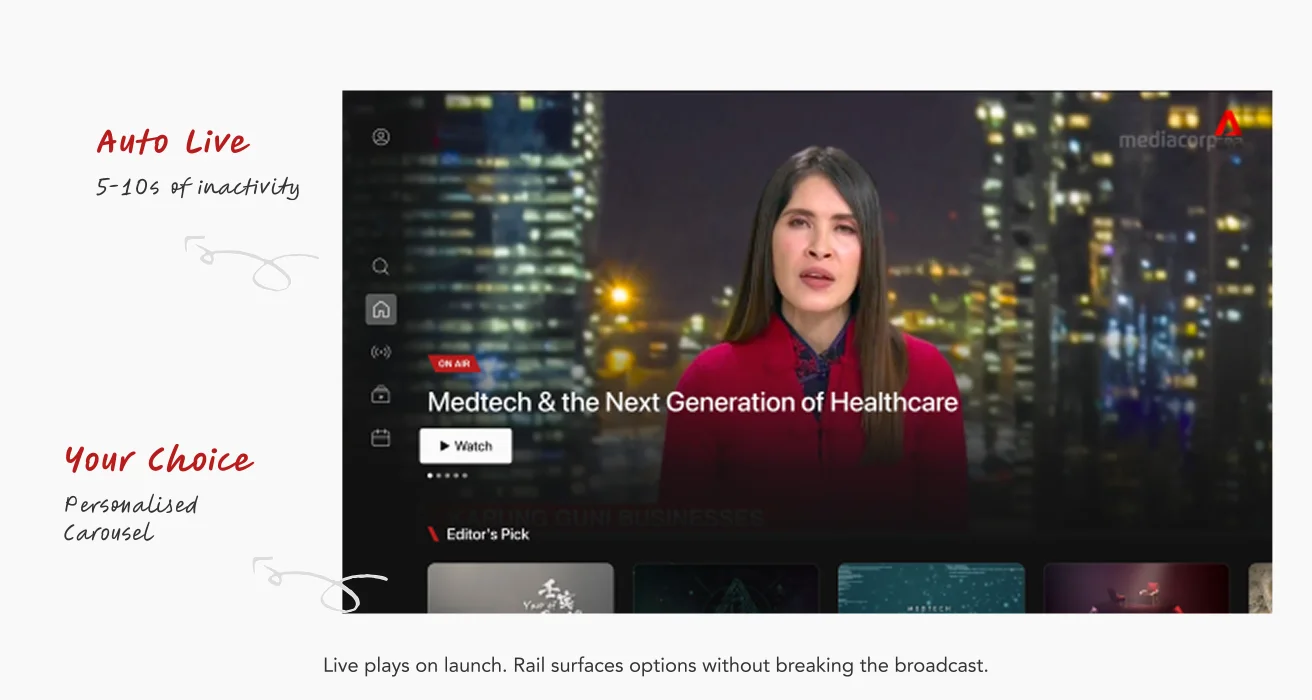
Decision 02 · Search
A spatial grid keyboard filters results as you type, and hold-to-dictate voice search skips the keyboard entirely — two routes to the same programme in three or four presses.
Decision 03 · Navigation Model
A flat, spatial layout — side nav over intent-based rails — keeps every destination within two or three d-pad moves, with oversized, high-contrast focus states legible from a ten-foot seat.
Decision 04 · Now & Next
One press summons a 'Now & Next' guide over the live feed — the current programme, its progress, and the next three slots — mirroring the channel schedule viewers already trust, without ever interrupting it.
The Outcome006
We Transformed as
+40% boost in user engagement after the redesign (Mediacorp published project impact).
We Transformed as
Auto-play live meant viewers landed on content the instant the app opened - no menu, no decision, the broadcast simply on.
We Transformed as
The Now & Next guide let viewers see the running order without ever leaving live - the channel schedule they already trust, on demand.
We Transformed as
A remote-first navigation model kept every destination within two/ three d-pad moves, and became the benchmark every later platform rollout inherited.
This project reshaped how I think about interaction design. TV is a genuinely different medium. I learned to design remote-first, Apple’s Native behaviour and its targeted audience to treat focus and motion as core feedback, and to build a single system flexible enough to feel native across very different platforms.
“Designing for TV taught me that constraints are the design. When your only input is a directional pad, every placement - and every animation - is a UX decision. The best thing we did was stop treating the TV like a large phone.”